Getting Started
|

1. Load one of the demo scenes
2. Open the AutoModeller Painter 3. Start painting on any object |
In the demo version you can only work with geometry from the example scenes
|
|
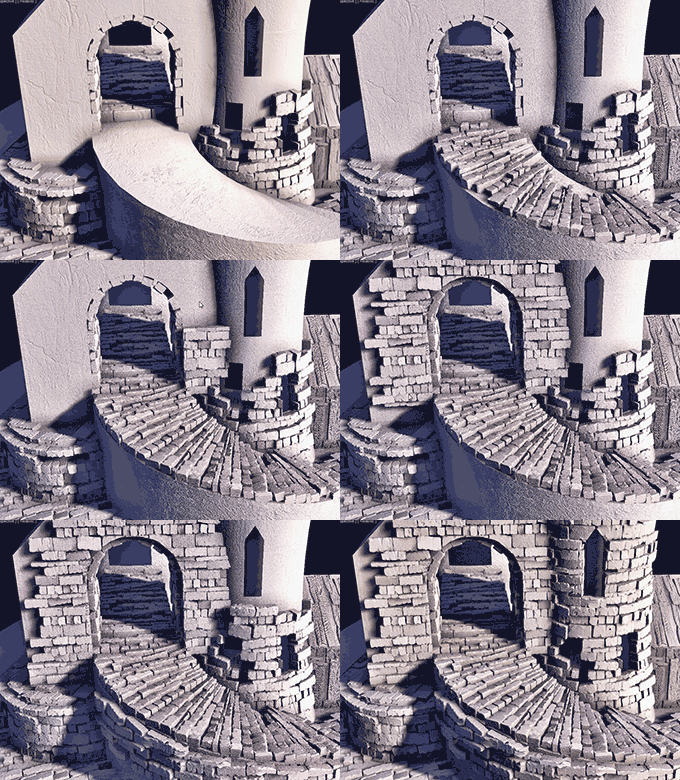
Castle Demo
This small castle scene is a good place to start your AutoModeller Pro journey as it illustrates the powerful painting capabilities of the AutoModeller Pro painter. Simply open the painter and click on one of the "geometry-textures" listed(like brickwall) and just start painting on any object and explore the different settings of this powerful tool using the integrated help buttons. (?)
|
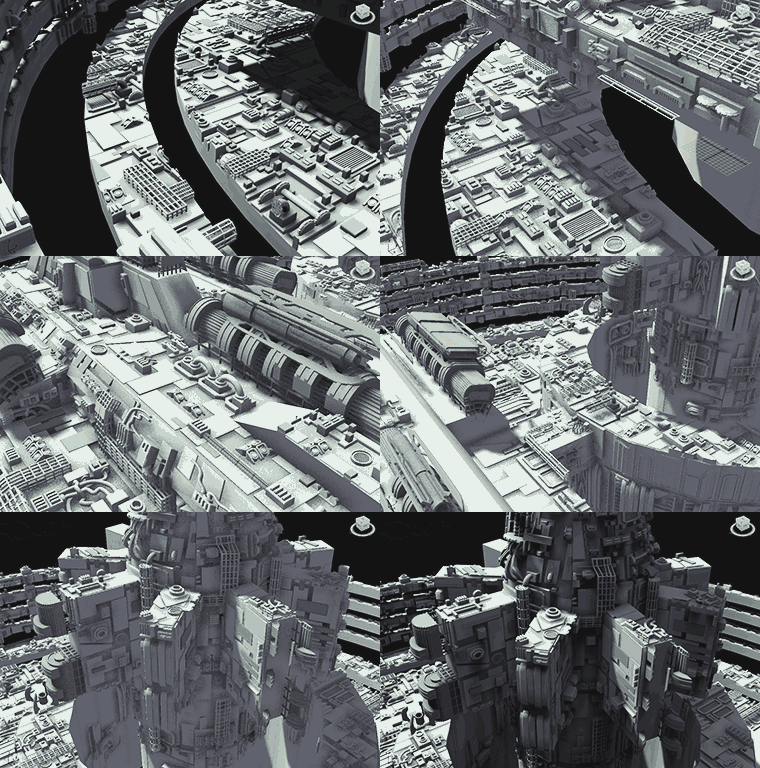
SciFi Demo
For those of you working on SciFi projects, this spaceship scene will give you a head start. Just paint all the different parts on the hull of the ship to quickly change its design. Using this scene you will be able to design an entire armada of spaceships, spacestations and other stuff within seconds.
|
|